Master secure and efficient use of Phantom Wallet. This comprehensive guide covers wallet setup, cryptocurrency transfers, and NFT management on Solana and other blockchains. Discover essential security best practices tailored for Web3 newcomers.
Introduction to Phantom Wallet
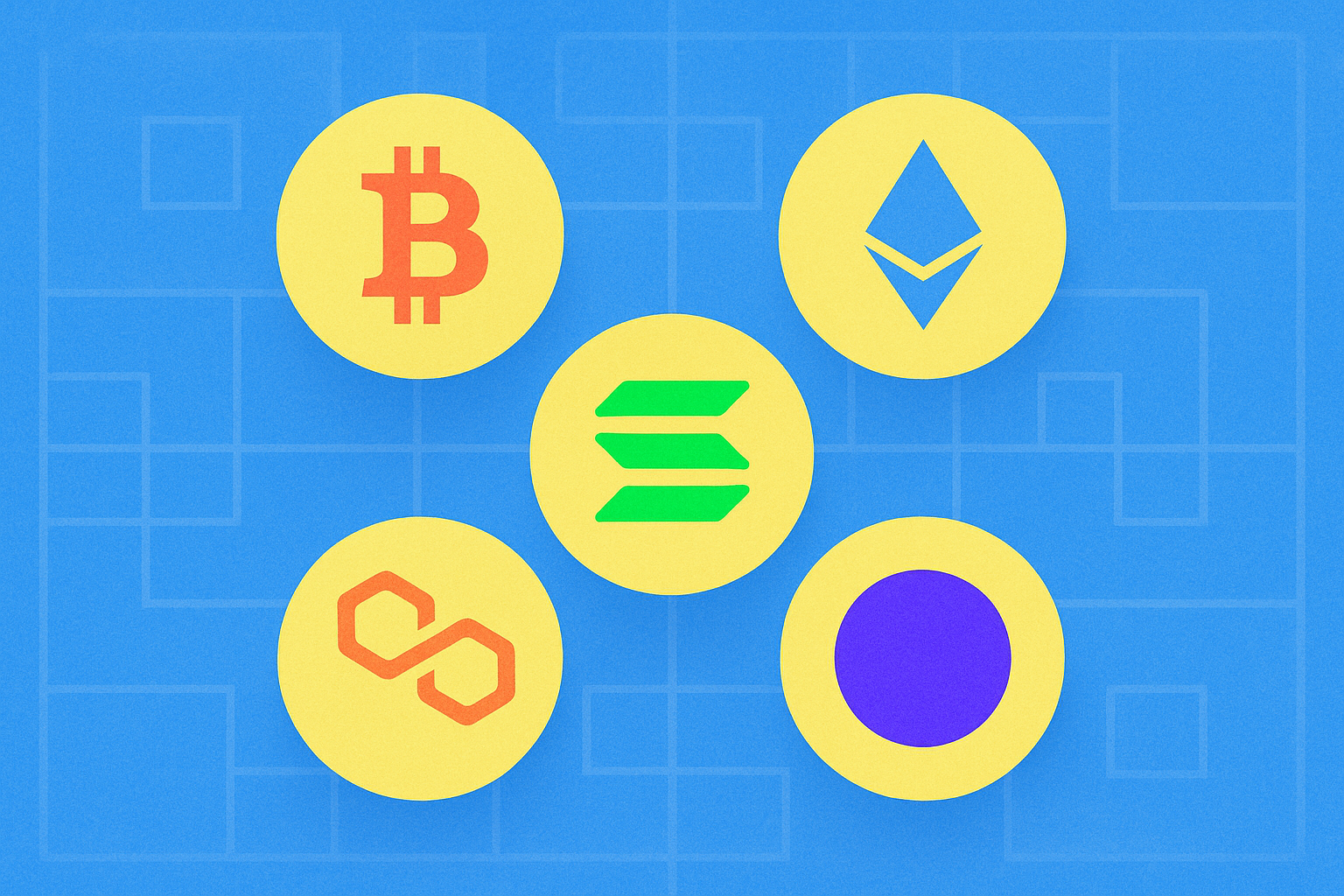
Phantom Wallet is a non-custodial crypto wallet built to manage cryptocurrencies and digital assets across multiple blockchains. While it was originally developed for the Solana blockchain, Phantom now supports several networks, including Solana, Ethereum, Base, Polygon, and Bitcoin. As a non-custodial wallet, Phantom never stores your private keys or seed phrases, ensuring you have full control over your digital assets at all times.
The Phantom Wallet provides a comprehensive platform for managing your cryptocurrencies and non-fungible tokens (NFTs), and also enables direct interaction with decentralized finance (DeFi) platforms and applications. Its user-friendly interface and advanced features make it a flexible solution for crypto users of any experience level.
What Is Phantom Wallet?
Phantom Wallet is a non-custodial crypto wallet that delivers a secure, decentralized experience for managing digital assets. Unlike custodial wallets, Phantom never stores your private keys or seed phrases on its servers. You retain complete, exclusive control over your cryptocurrencies and tokens at all times.
Phantom Wallet supports multiple blockchains, so you can manage assets from various networks within a single interface. In addition to major cryptocurrencies like SOL, ETH, and BTC, the wallet lets you view and manage NFTs (non-fungible tokens) and seamlessly interact with decentralized applications.
Thanks to its versatility, Phantom Wallet is ideal for both beginners and advanced users seeking a robust all-in-one crypto solution.
How to Set Up Phantom Wallet
Setting up Phantom Wallet is quick and straightforward. This guide uses the browser extension as an example, but the process is nearly identical on mobile. The main difference is the availability of biometric security on mobile devices.
Step-by-Step Installation
-
Download the app: Visit Phantom’s official website and download the version appropriate for your device. Phantom is available as an app for iOS and Android and as extensions for Chrome, Firefox, Brave, and Edge.
-
Create or import a wallet: After installation, you can create a new wallet or import an existing one. For this guide, we’ll create a new wallet.
-
Select the creation method: You can create a wallet using an email address or a seed phrase. For this demonstration, we’ll use a seed phrase.
-
Set a strong password: Create a robust password for your wallet. This password is stored only locally and is tied to your current browser or device profile. On mobile, you can also enable biometric security such as Face ID or fingerprint authentication.
-
Save your seed phrase: Write down your seed phrase and store it securely in a private location. This phrase is your master key and the only way to recover your wallet if you lose access. Never share your seed phrase with anyone.
-
Confirmation: Once you complete these steps, your Phantom Wallet is ready to use.
How to Use Your Phantom Wallet
When using the Phantom Wallet browser extension, pin it to your extension bar for fast, convenient access.
Key Features of Phantom Wallet
When you open your wallet, you’ll see four main action buttons: Receive, Send, Swap, and Buy.
Receive: Use this button to copy your wallet address or generate a QR code. You’ll need this information to deposit funds or receive assets from others. For example, to transfer SOL from a major exchange to your Phantom Wallet, copy and paste your receiving address into the exchange withdrawal page.
Send: This feature lets you transfer funds from your Phantom Wallet to another wallet. Always select the correct blockchain network and double-check the recipient address before confirming your transaction.
Swap: Swap enables you to exchange different cryptocurrencies directly within the wallet. Adjust slippage settings using the button in the top right corner. Higher slippage may increase costs, while lower slippage can provide better pricing but may result in failed transactions. If unsure, set slippage to Automatic and Phantom Wallet will secure the best available swap for you.
Buy: This button lets you purchase cryptocurrency through third-party payment partners. Payment methods and fees vary by location, with options like credit/debit cards, Apple Pay, and Google Pay.
Managing Your Token List
Phantom Wallet automatically displays balances for major cryptocurrencies such as SOL, ETH, and BTC. To add or remove specific tokens, click "Manage token list" at the bottom of your wallet interface.
Within the management menu, enable or disable tokens as needed for display. Use the search bar to quickly locate specific tokens.
Important tip: Disable tokens received from unknown sources, as these are often linked to scams and can pose security threats.
Phantom Wallet Accounts
At the top of the interface, you’ll find your Phantom Wallet public addresses—one for each supported blockchain. When depositing funds or receiving payments, simply click the relevant public address to copy it for easy sharing.
It’s safe to share these public addresses, but always select the correct network: use Solana for SPL tokens, Ethereum for ERC-20, Bitcoin for BTC, and so on.
How to Create and Manage Multiple Accounts
Phantom Wallet allows you to create multiple accounts within a single wallet, so you can manage several crypto accounts using one password and seed phrase.
-
To create a new account, click the button in the top left corner next to your current account name.
-
Select "Add / Connect Wallet".
-
You can create a new multi-chain account or add existing wallets. Follow the prompts as preferred.
-
Easily switch between accounts using the button in the top left corner. Each account has its own set of public addresses for the supported blockchains.
The bottom menu of Phantom Wallet gives you access to various features:
First tab: The main interface, showing your token list and balances.
Second tab: Your NFT collection, where you manage digital art and other non-fungible tokens.
Third tab: The Swap function for exchanging cryptocurrencies, as described above.
Fourth tab: Your wallet’s activity history, including completed transactions and interactions with decentralized apps.
Fifth tab: An explore interface for searching projects, tokens, websites, and collections of interest.
Tips for Keeping Your Wallet Secure
Security is paramount when managing crypto. Follow these best practices:
Keep your seed phrase secure: Write your seed phrase down and store it in a safe physical location. Never save it online, in email, or on cloud apps—this dramatically increases the risk of theft.
Enable biometric security: If you’re using Phantom Wallet on mobile, activate Face ID or fingerprint authentication to add another layer of security.
Be careful with DApps: Only connect to reputable, well-known websites and applications. Always check URLs before connecting your wallet and avoid suspicious links.
Update regularly: Always use the latest Phantom Wallet version to benefit from security fixes and new protection features.
Final Thoughts
Phantom Wallet is a powerful, intuitive tool for managing your cryptocurrencies and NFTs across multiple blockchains. Its non-custodial design gives you total control over your assets, offering a security advantage over custodial wallets.
Setting up and using Phantom Wallet is fast and easy—even for crypto beginners. Always keep your seed phrase secure, be cautious with unfamiliar tokens and DApps, and keep your app updated to defend against emerging security threats. By following these practices, you can manage your digital assets confidently and securely.
FAQ
What is Phantom Wallet and what is its main function?
Phantom Wallet is a digital wallet for storing and managing cryptocurrency on the Solana network. Its main function is to enable secure transactions and interactions with decentralized applications within the Solana ecosystem.
How do I install and set up Phantom Wallet for the first time?
Download Phantom Wallet from the app store, create an account, set a strong password, and securely store your 12-word recovery phrase. You’re ready to go.
How do I use Phantom Wallet to send and receive cryptocurrency?
Download Phantom Wallet, create your account, and get your unique address. To receive, share your address. To send, select the asset, enter the recipient’s address, and confirm the transaction. Pay the required gas fees.
Is Phantom Wallet secure? What are the security risks?
Phantom Wallet is secure, but you should watch for phishing and fake extensions. Always verify the extension’s authenticity and avoid clicking suspicious links to keep your assets safe.
Phantom Wallet is optimized for Solana and offers robust multi-chain support, while MetaMask is primarily focused on Ethereum. Phantom provides unique features for Solana; MetaMask is more compatible with EVM chains and is expanding to Bitcoin and Solana.
How do I connect Phantom Wallet to decentralized applications (dApps)?
To connect Phantom Wallet to dApps, open the Phantom app and click ‘Connect Wallet’ on the dApp. On mobile, use Phantom’s built-in browser (Explore) and enter the dApp URL. On desktop, use a browser where the Phantom extension is installed.
What should I do if I forget my Phantom Wallet password or seed phrase?
If you forget your seed phrase, you can’t recover your account—it’s essential for asset access. If you’re still logged in, try to retrieve it in settings. Otherwise, recovery isn’t possible.
Which blockchains does Phantom Wallet support besides Solana?
Phantom Wallet supports Ethereum, Bitcoin, Polygon, Avalanche, Binance Smart Chain, Fantom, and Tezos, in addition to Solana—covering seven major blockchains.
* The information is not intended to be and does not constitute financial advice or any other recommendation of any sort offered or endorsed by Gate.